

Your first fork
This walk uses a small sample project, so you see the whole loop before touching your own code. It is a Spring Boot service for lending library books, with Postgres, migrations and seed data. You do not need Java installed.
1. Get the sample
Section titled “1. Get the sample”git clone https://github.com/Metricall-AI-Lab/library-api.gitcd library-apiIt already has a forkstage.yaml. Open it; this is the whole description Forkstage needs:
stack: library-apiservices: app: build: . port: 8080 env: DATABASE_URL: postgres://forkstage:forkstage@db:5432/app depends_on: - db db: image: postgres:16 port: 5432 env: POSTGRES_USER: forkstage POSTGRES_PASSWORD: forkstage POSTGRES_DB: app data: emptyready: - http: app/healthtests: - name: smoke run: sh tests/smoke.shTwo services, a line that says how Forkstage knows the app is up, and one test command. For your own project forkstage init writes this file; see Your own project.
2. Bake
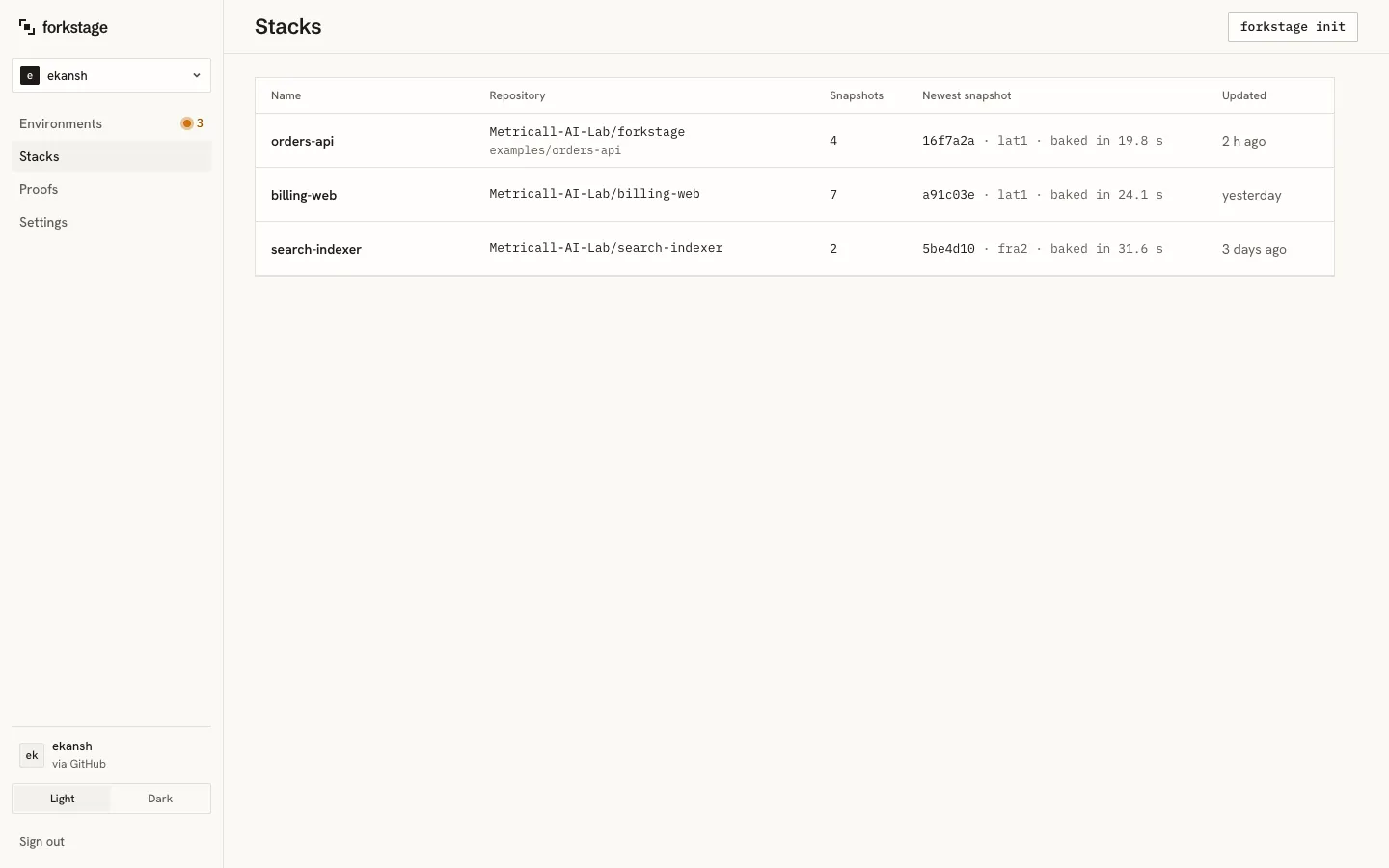
Section titled “2. Bake”forkstage bake· Packing /Users/you/library-api· Baking library-api/aae11de in workspace yourname (10 KB of source)· Snapshot ready in 49.8 s on lat1✓ Snapshot library-api/aae11de is ready (baked in 48.8 s) Fork it: forkstage upWhat happened: the repository went to a host, which built the image with Maven, started Postgres and the app, applied the two Flyway migrations (schema and four seed books), waited for /health, and froze the running VM. In the dashboard, Stacks now lists library-api with one snapshot named after the git commit.
3. Fork
Section titled “3. Fork”forkstage up· Forking library-api in workspace yourname· Ready in 1.0 s end to end (fork 102 ms · host call 155 ms · control plane 182 ms · network 861 ms)
⌜▪⌝ forkstage library-api · snapshot aae11de · lat1
● f2ksm8 ready in 102 ms
address https://zk2r5a.forkstage.run services app :8080 db :5432 stops idle 30 min · hard 8 h
next forkstage test f2ksm8 forkstage sh f2ksm8 forkstage exec f2ksm8 -- <command> forkstage down f2ksm8f2ksm8is the fork’s id; the commands below take it, or leave it out and Forkstage picks the latest one in this folder.- The address is your copy on the internet while it runs. Open it with
/booksadded: four seeded books. - stops: left alone, the fork stops after 30 minutes without commands or requests, and at 8 hours regardless.
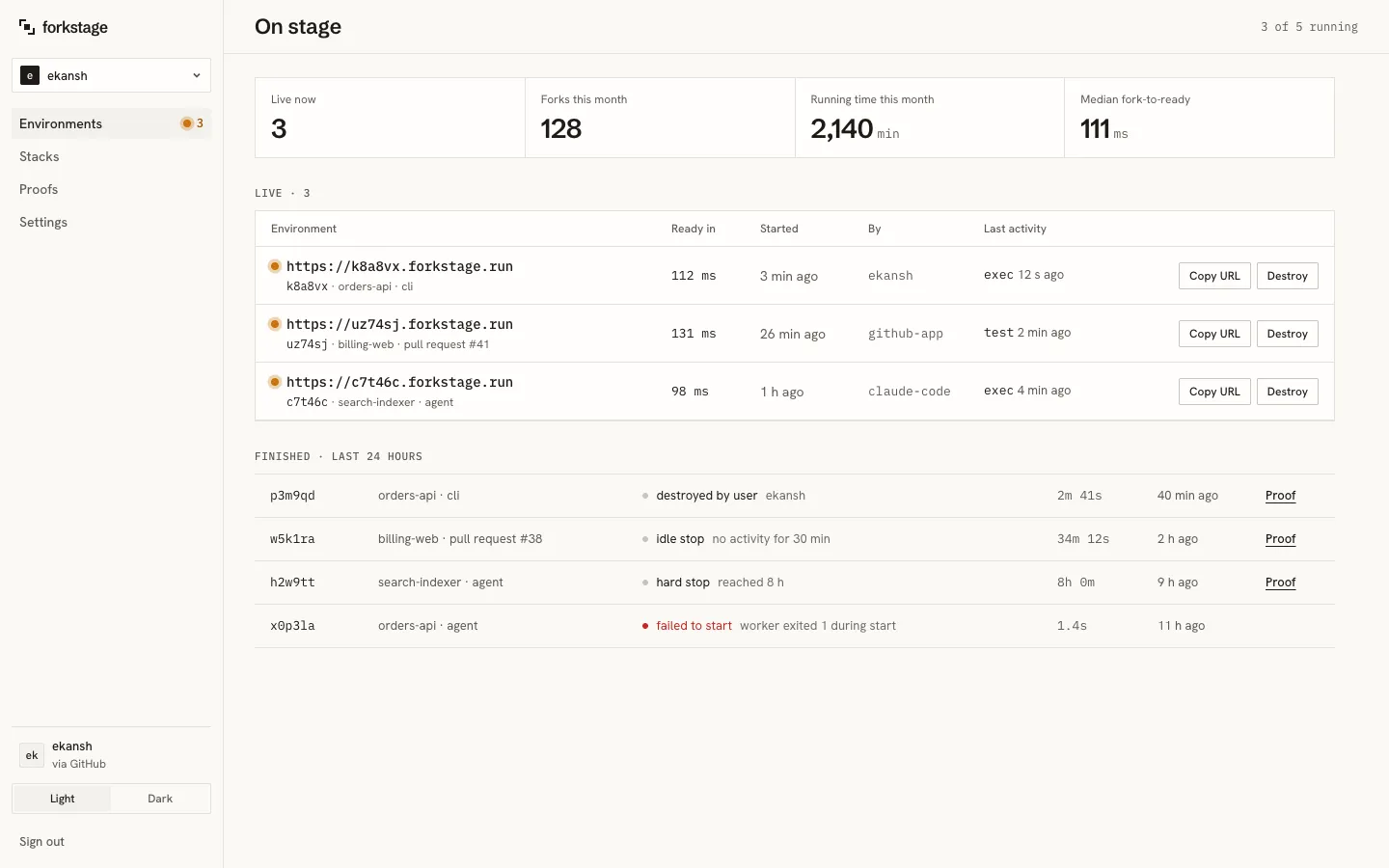
In the dashboard, Environments shows it live, with an amber dot.
4. Use it
Section titled “4. Use it”Everything here happens inside the fork. Nothing touches anything real.
Run the project’s tests inside it:
forkstage test· smoke: sh tests/smoke.sh in app ✓ passed 6 passed 1.7 sOpen a shell inside the app container:
forkstage shYou land at root@…:/app#. Try curl localhost:8080/books, then exit.
Run a single command without a shell:
forkstage exec -- sh tests/smoke.shLook inside the database:
forkstage exec --service db -- psql -U forkstage app -c "select title, lent_to from books"See the services’ logs:
forkstage logs5. Strike it
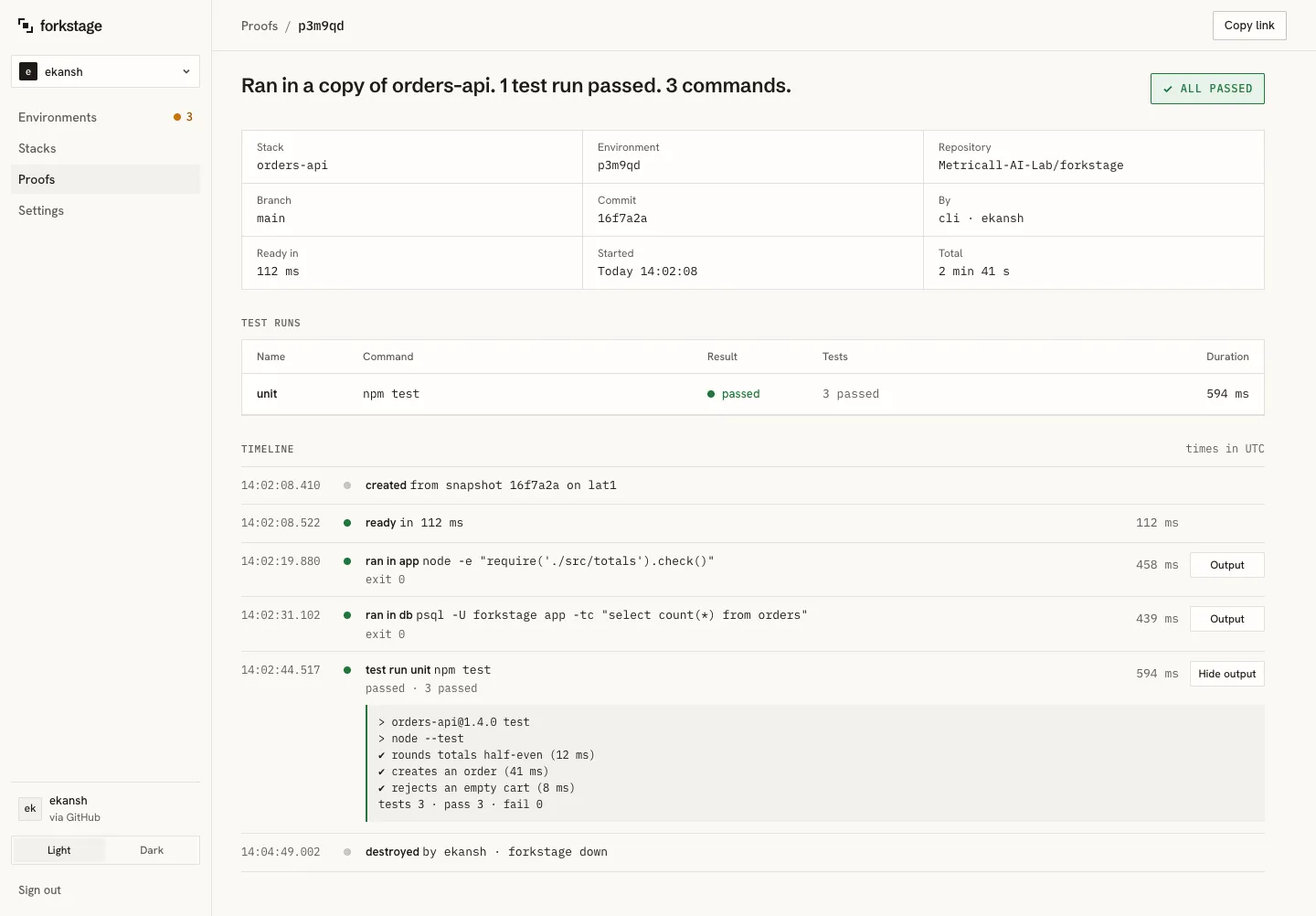
Section titled “5. Strike it”forkstage down× struck f2ksm8 after 3m 13s · proof: forkstage proof f2ksm8The fork is gone. What stays is the proof: open Proofs in the dashboard and click it.
That is the loop: bake once, then fork, use, strike, as often as you want. Forks take about 100 ms; you will stop thinking of them as precious.
Something to find
Section titled “Something to find”The sample has one bug left in on purpose: lending a book that is already out succeeds and silently overwrites who has it. Good first task for an agent; see Agents.
- Your own project:
forkstage initon a repository of yours. - Agents: let Claude Code do steps 3 to 5.
- Pull requests: a fork and a proof comment for every pull request.