

Install and sign in
What you need
Section titled “What you need”- Node.js 18 or newer. Check with
node --version. If it is missing, install it from nodejs.org. - A GitHub account. Sign-in uses it; your first workspace is named after your GitHub login.
- Git, if you want to try the sample project.
You do not need Docker, Java, Python or anything else on your machine. Forkstage builds and runs your project on its own hosts.
Install the command
Section titled “Install the command”npm install -g forkstageCheck it:
forkstage --versionIt prints the version, for example 0.2.4.
Sign in
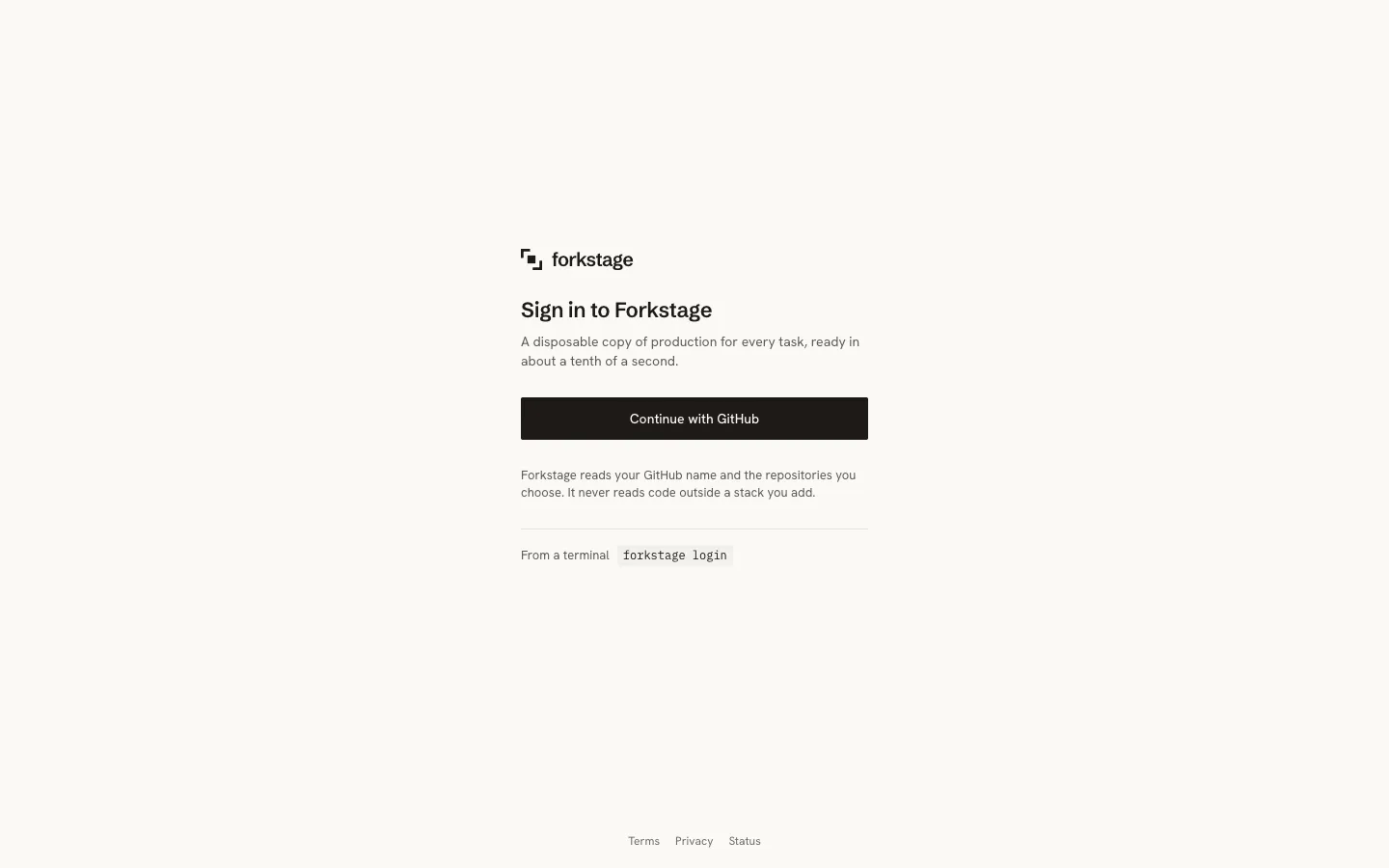
Section titled “Sign in”forkstage loginYour browser opens GitHub and asks you to authorise Forkstage. We ask for read access to your profile and verified email, nothing more. Click Authorize. The tab says “Signed in to Forkstage”; the terminal prints:
✓ Signed in as yourname; workspace yourname. Next: forkstage bake in a repository, then forkstage up.The sign-in is stored in ~/.forkstage/config.json as an API token for your workspace. Keep that file private; forkstage logout forgets it, and tokens can be revoked in the dashboard under Settings.
Open the dashboard too: app.forkstage.com, same GitHub button. It is empty until your first bake.
Signing in without a browser
Section titled “Signing in without a browser”For CI or a machine that cannot open a browser, make a token in the dashboard (Settings → API tokens → Create token) and use it:
forkstage login --token fst_…The token acts for the whole workspace. Revoke it from the same place.
Your first fork, with a sample project that is ready to go.